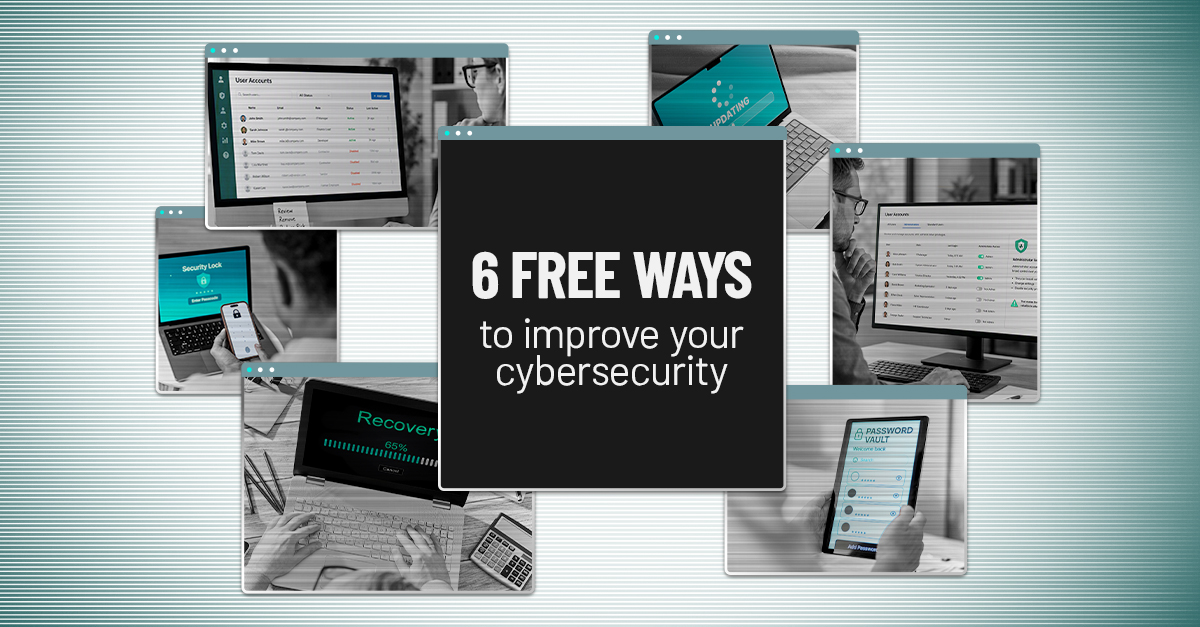
6 Free Cybersecurity Improvements You Can Make Today
Cybersecurity is often viewed as a technology issue, but tools alone cannot protect your business. In many organizations, the real threat comes from overlooked basics, delayed fixes, and security practices that are not applied consistently.
This week, focus on six practical improvements that can quickly lower your cyber risk.
1. Activate multi-factor authentication
If MFA is not enabled yet, make it your first move. Multi-factor authentication adds an extra layer of protection by requiring users to confirm their identity in more than one way before they can access an account or system. That second step might be a code sent by text, an authenticator app, a security key, or biometric verification such as a fingerprint or face scan.
Even if someone gets hold of a password, MFA makes it much harder for them to break in. They still have to get past the additional verification step.
Start by enabling MFA for:
- Microsoft 365 or Google Workspace
- Banking and payroll applications
- Cloud storage
- VPN access
- Business-critical applications
Many platforms include MFA at no extra charge. Turning it on is one of the fastest ways to block a common attack path.
2. Delete unused accounts
Accounts left behind by former employees, short-term contractors, and inactive vendors can stay open far longer than they should. Because these accounts are easy to miss, they can become a convenient entry point for attackers.
Audit your accounts and ask:
- Does this person still work with us?
- Does this account still have a valid business purpose?
- Does this account need the level of access it has?
If the answer to any of those questions is no, reduce access or remove the account completely.
3. Restrict administrator privileges
Administrator accounts have extensive control over your systems. They can install software, change settings, and disable security tools, which makes them highly valuable to cybercriminals.
Review access across your organization and ask:
- Does this person need admin rights to do their job?
- Is there a lower access level that still fits their role?
- Should this account really have administrative access at all?
Remove admin privileges wherever possible. Limiting access to only what someone needs helps reduce the damage if an account is ever compromised.
4. Enable automatic software updates
Attackers often look for software with known security flaws. Updates are designed to fix those weaknesses before they can be exploited.
Make sure automatic updates are turned on for:
- Windows and macOS
- Phones and tablets
- Web browsers
- Microsoft Office
- Antivirus software
- Key business applications
Staying current helps close known vulnerabilities before they become an open door.
5. Adopt a password manager
Strong passwords are important, but expecting employees to remember a unique, complex password for every login is not realistic.
A password manager makes it easier to:
- Create strong passwords
- Store them securely
- Avoid password reuse
- Share credentials safely when needed
The fewer passwords people need to memorize, the less likely they are to reuse weak ones across accounts.
6. Test your backups
Backups are only valuable if they can be restored when disaster strikes. Simply having them is not enough.
Review your backup process and ask:
- When did our last successful backup run?
- Has anyone tested a restore recently?
- How long would recovery take?
A backup protects your business only when it works under pressure.
Small improvements can reduce major risk
Cybersecurity does not have to begin with a large investment. It starts with fixing the common gaps that create unnecessary exposure.
The six actions in this article can lower risk without adding cost.
What matters most is implementation and consistency. We can help you build a clear action plan that matches your team, systems, and risk level.
Click here or give us a call at 816-256-2595 to schedule your free 15-Minute Discovery Call to see where you're exposed and what practical steps to take next.